
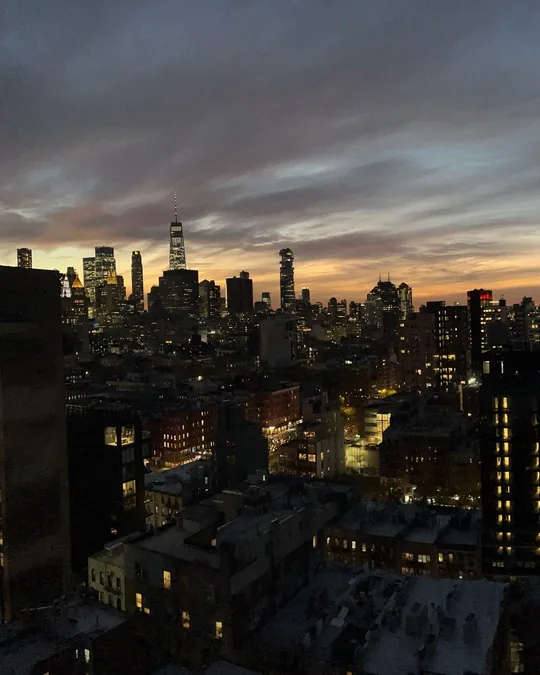
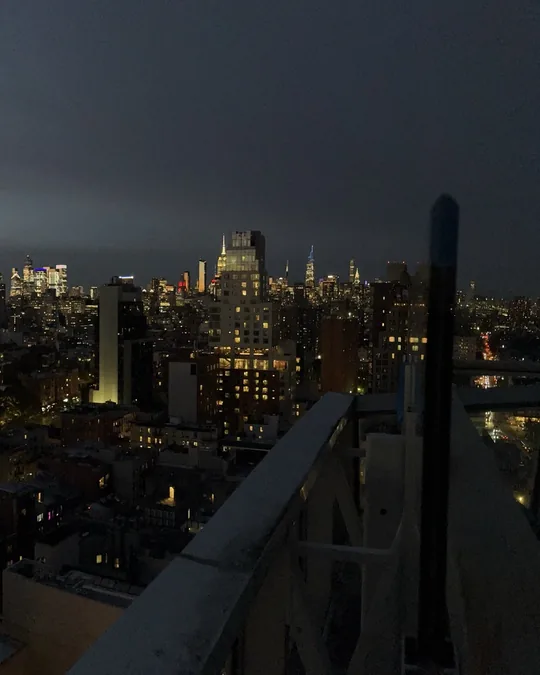
Before: one wide photo

After: three slides, no seams

Why I built it
Seamless carousels look great, but every simple way to make one wanted a subscription for something I'd use a few times a year. It was also my excuse to learn vibe coding, back in April 2026 when building an app that way still felt brand new.
Who it's for
Creators and small brands who post carousels, especially anyone with a panorama or wide landscape shot. It's photo-first, with no text tools, on purpose.
The promise
The seams disappear.
It does one job, so there are no accounts, no watermarks, no subscription, and your photos never leave your phone.
What I built
Auto slide count
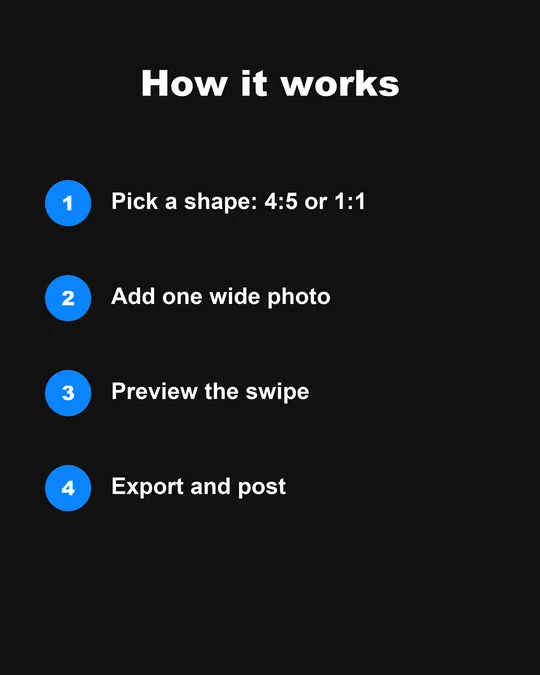
Pick 4:5 or 1:1, add a photo, and it works out how many slides you need, from 2 to 20.
Swipe preview
See exactly what your followers will see before you post.
Export outline and seam lines
An amber outline shows what exports. Red lines show where each slide splits.
Numbered export
Slides save to your camera roll in order, ready to post.
How I launched it
I wrote the App Store listing and built a small social kit: a feed carousel, a statement post and a set of Stories. Before going public, friends and family tested it on TestFlight.


What I learned
The best fixes came from using it on my own photos. A picture of my dog showed me the preview box wasn't the real export edge, so I added the amber outline. It does its one job now, so I'm letting real use decide what comes next while I focus on Doors @.